


Smart home renovations don’t have to be overwhelming—or expensive. As we head into 2026, the smartest homes aren’t packed with complicated tech. They’re thoughtfully planned, easy to use, and designed to grow over time.
Whether you’re updating one room or slowly upgrading your whole house, this guide will help you plan a smart home renovation that makes sense for DIY homeowners.
Why 2026 Is a Great Time to Go Smart
Smart home technology has finally caught up with real life. Today’s systems are:
- More reliable
- Easier to install
- Designed for existing homes (not just new builds)
That means fewer tools, fewer wires, and far less frustration for DIYers.
Step 1: Start With a Simple Plan
Before buying smart devices, ask yourself:
- What do I want to improve—convenience, energy savings, or accessibility?
- Do I want something I can expand later?
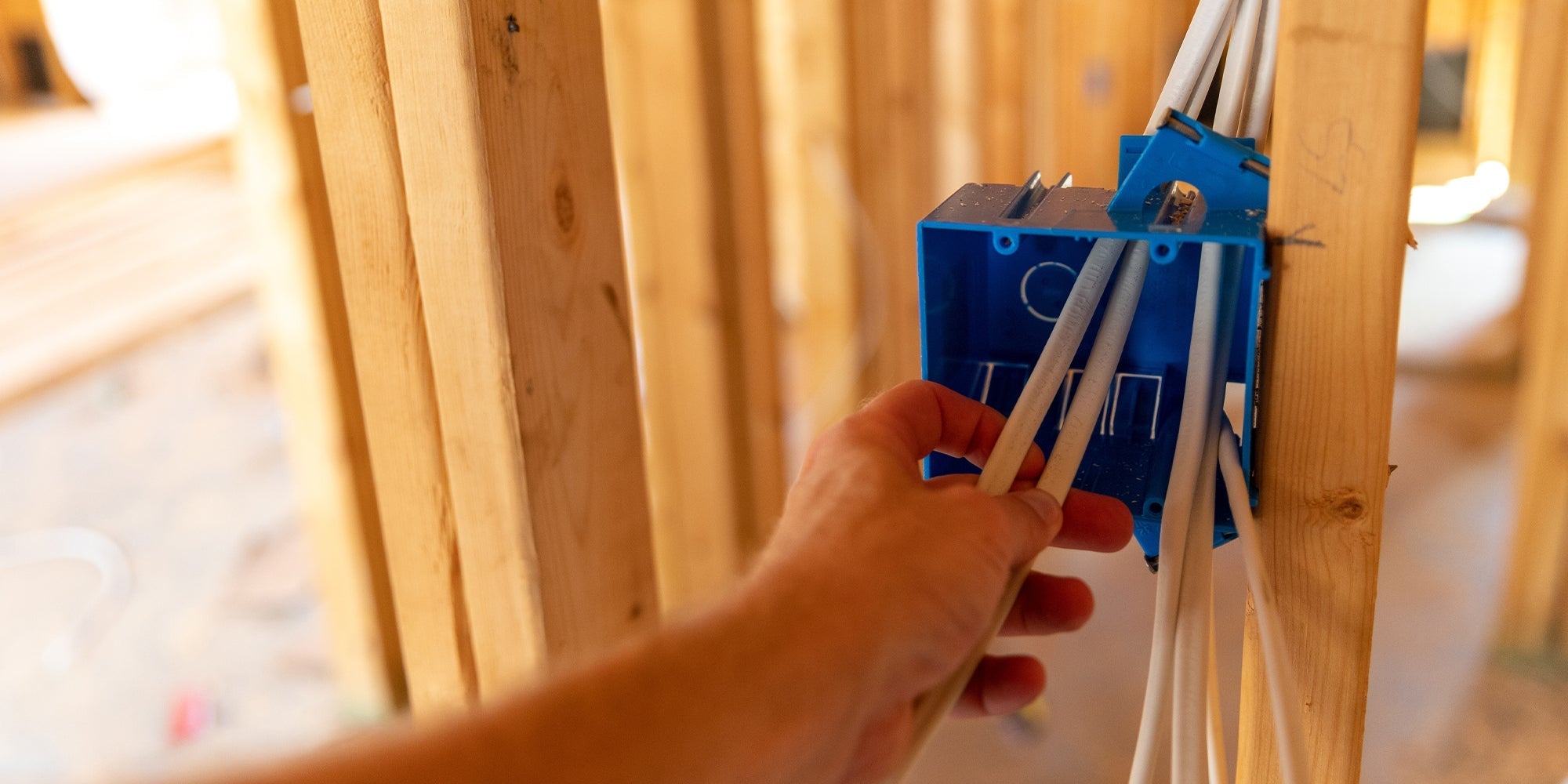
- Do I want to avoid opening walls?
💡 DIY rule of thumb: If it requires major rewiring, there’s probably a smarter wireless option.
Step 2: Begin With Smart Lighting
Lighting is the easiest and most impactful place to start.
Smart lighting lets you:
- Control lights from multiple locations
- Reduce energy waste
- Add switches exactly where you want them
In 2026, many DIY homeowners are choosing wireless light switches instead of traditional rewiring—especially battery-free options like RunLessWire kinetic switches that install quickly and never need maintenance.
No batteries. No apps required. Just press and go.
Step 3: Go Wireless to Avoid Wall Damage
Wireless control is a game-changer for DIY renovations.
With wireless switches, you can:
- Add 3-way or 4-way lighting without new wiring
- Place switches on tile, glass, or brick
- Move switches later if your layout changes
It’s one of the easiest ways to make your home feel custom—without committing to permanent changes.
Step 4: Plan for Comfort and Accessibility
Smart homes aren’t just about tech—they’re about comfort.
Adding extra light switches near beds, doors, or hallways makes everyday life easier now and in the future. Wireless switches are perfect for these upgrades because you can install them exactly where they’re needed. Perfect example: RunLessWire's Click for Philips Hue Wireless Smart Switch
Step 5: Upgrade in Phases
You don’t have to do everything at once.
Start with:
- Lighting and switches
- Controlled outlets or fixtures
- Sensors and automation later
A phased approach keeps your renovation affordable and DIY-friendly.
Final Thoughts: Smart Should Feel Simple
A great 2026 smart home renovation isn’t complicated—it’s intentional. By starting with wireless lighting and flexible controls, you’ll build a home that’s easier to live in, easier to upgrade, and easier to love. Check out RunLessWire's wireless light control solutions here.
And the best part? You can do it yourself.


Leave a comment
All comments are moderated before being published.
This site is protected by hCaptcha and the hCaptcha Privacy Policy and Terms of Service apply.