


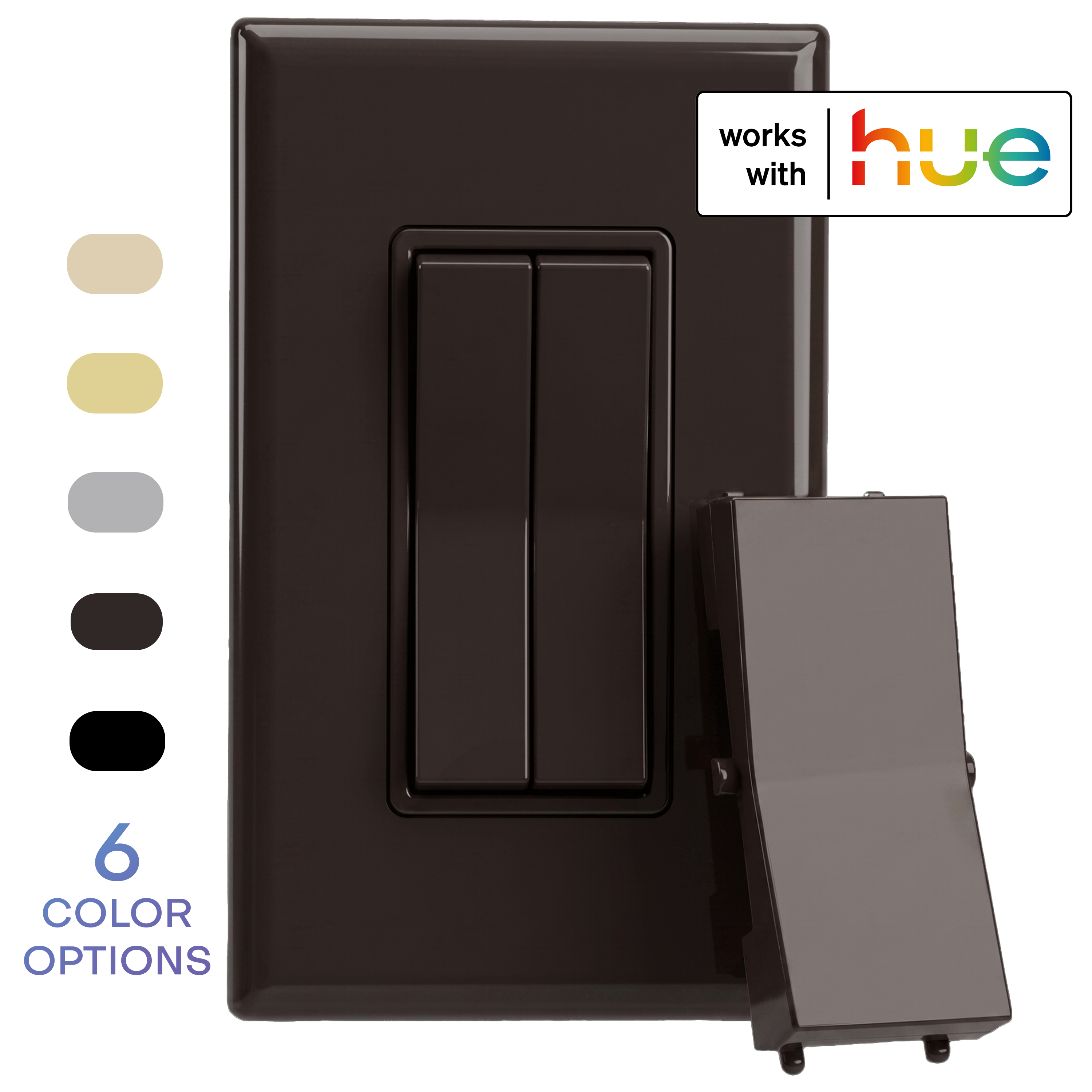
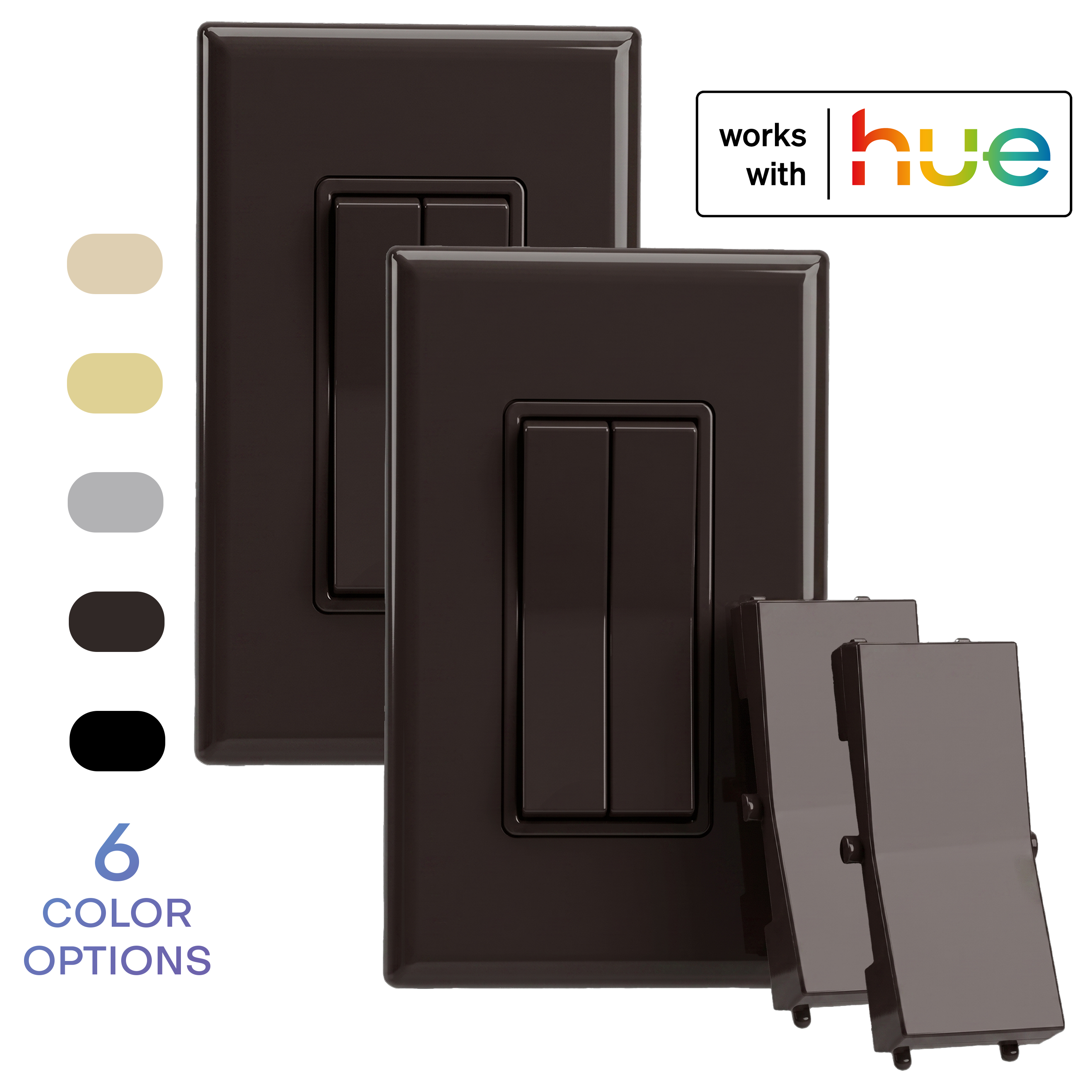
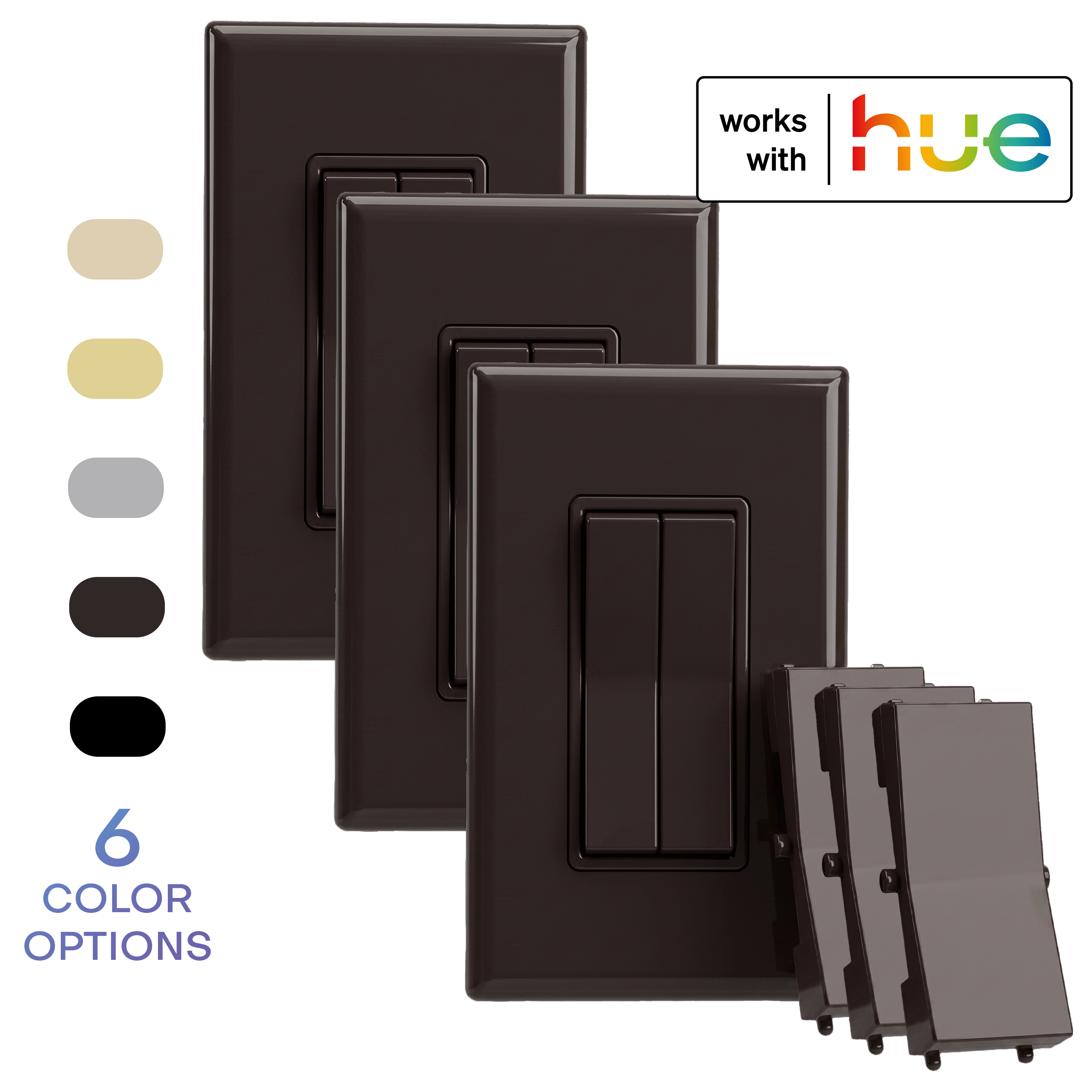
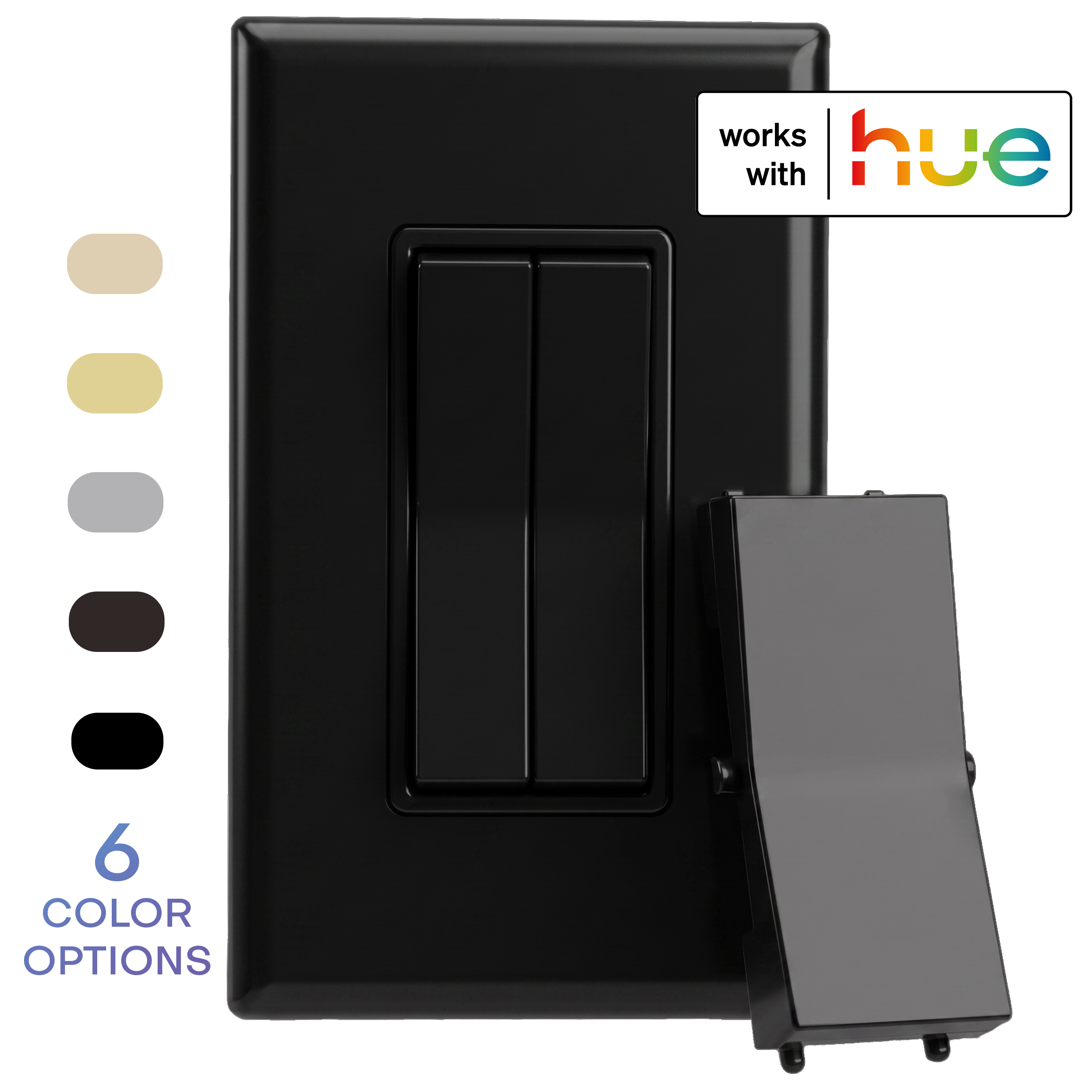
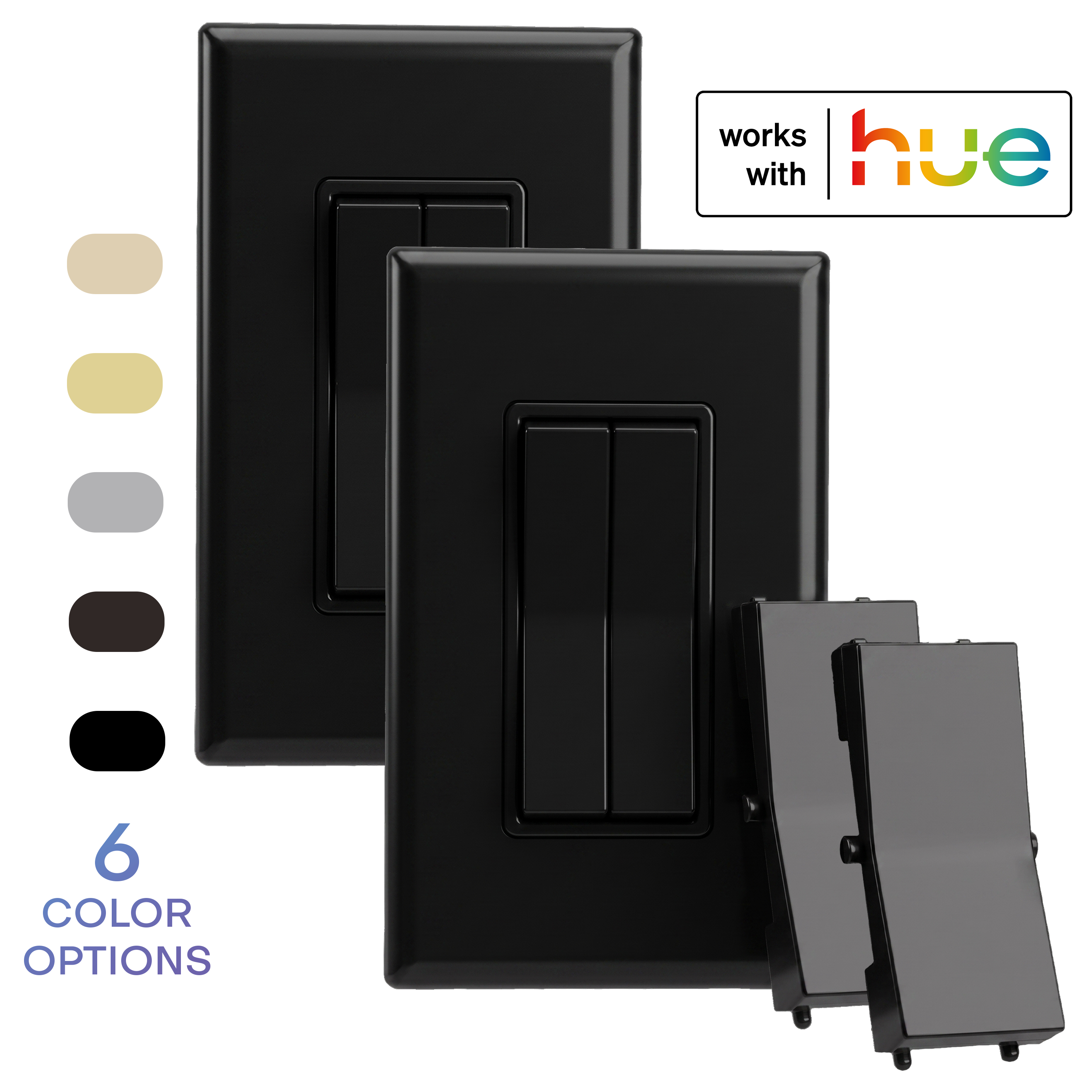
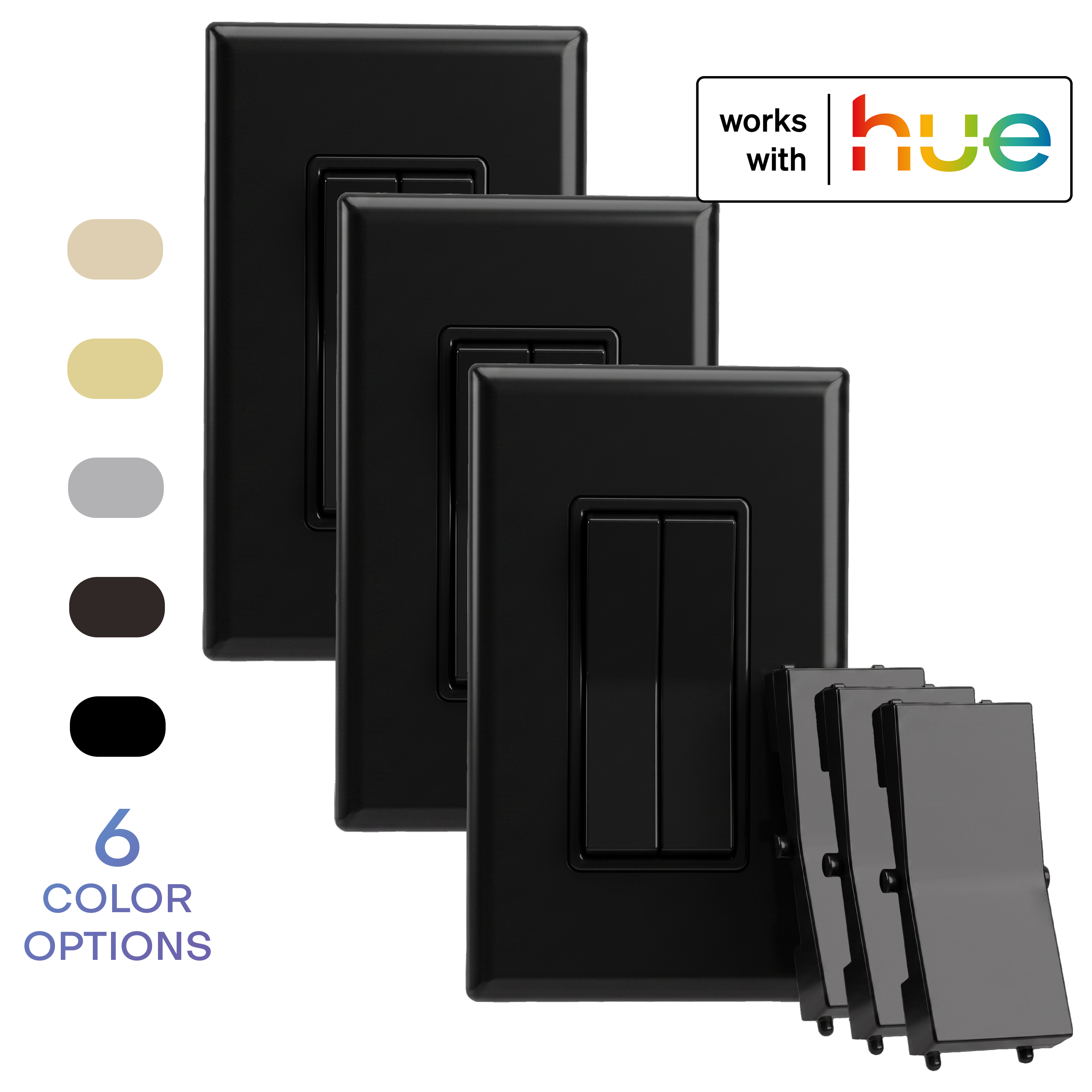
CLICK FOR PHILIPS HUE: Self-Powered Wireless Smart Switch
Stop losing control of your Hue lights when someone flips the wall switch. Click for Philips Hue by RunLessWire is a battery-free wireless smart switch that connects natively to the Philips Hue Bridge as a certified Friends of Hue accessory, so your phone, voice assistants, and wall switch finally stay in sync.
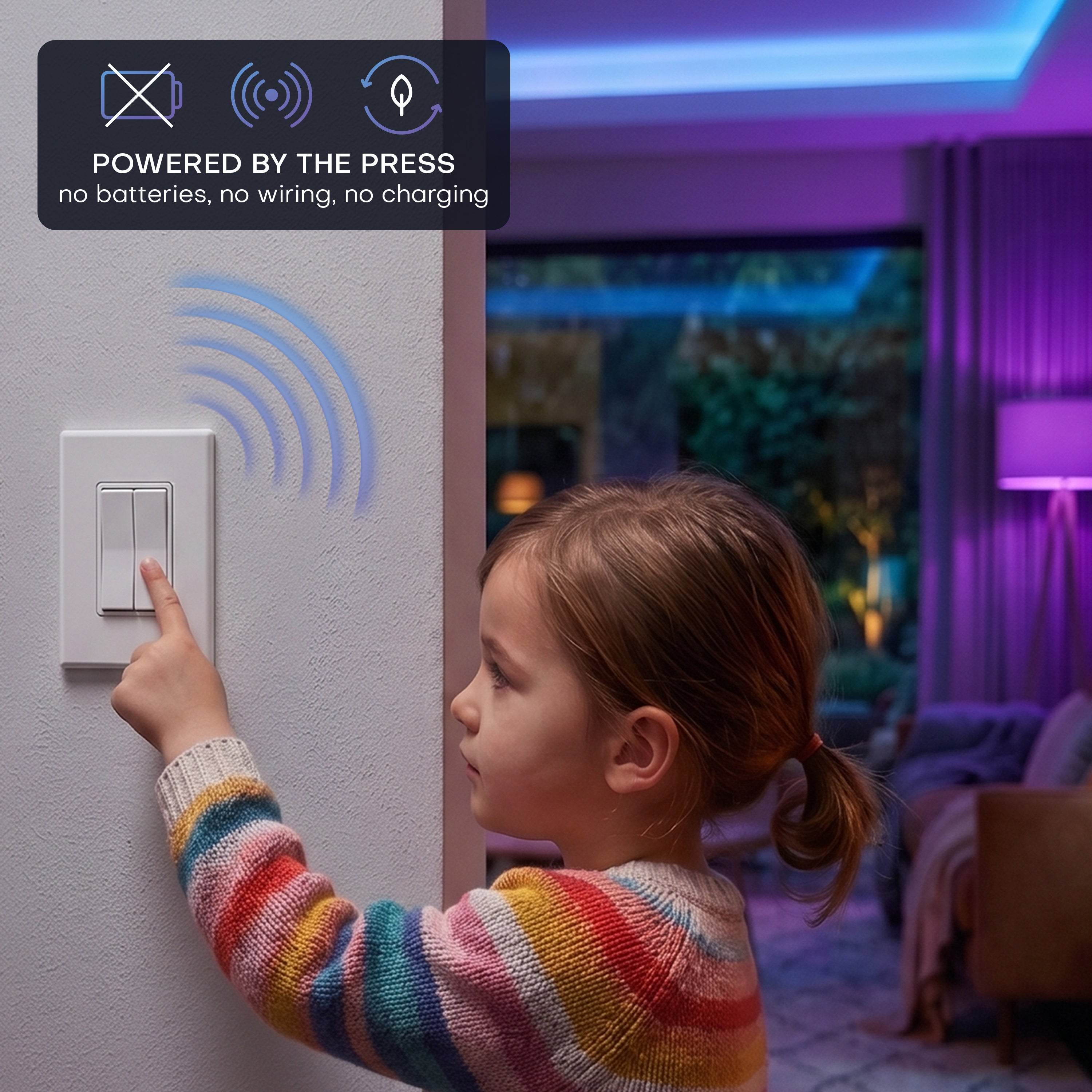
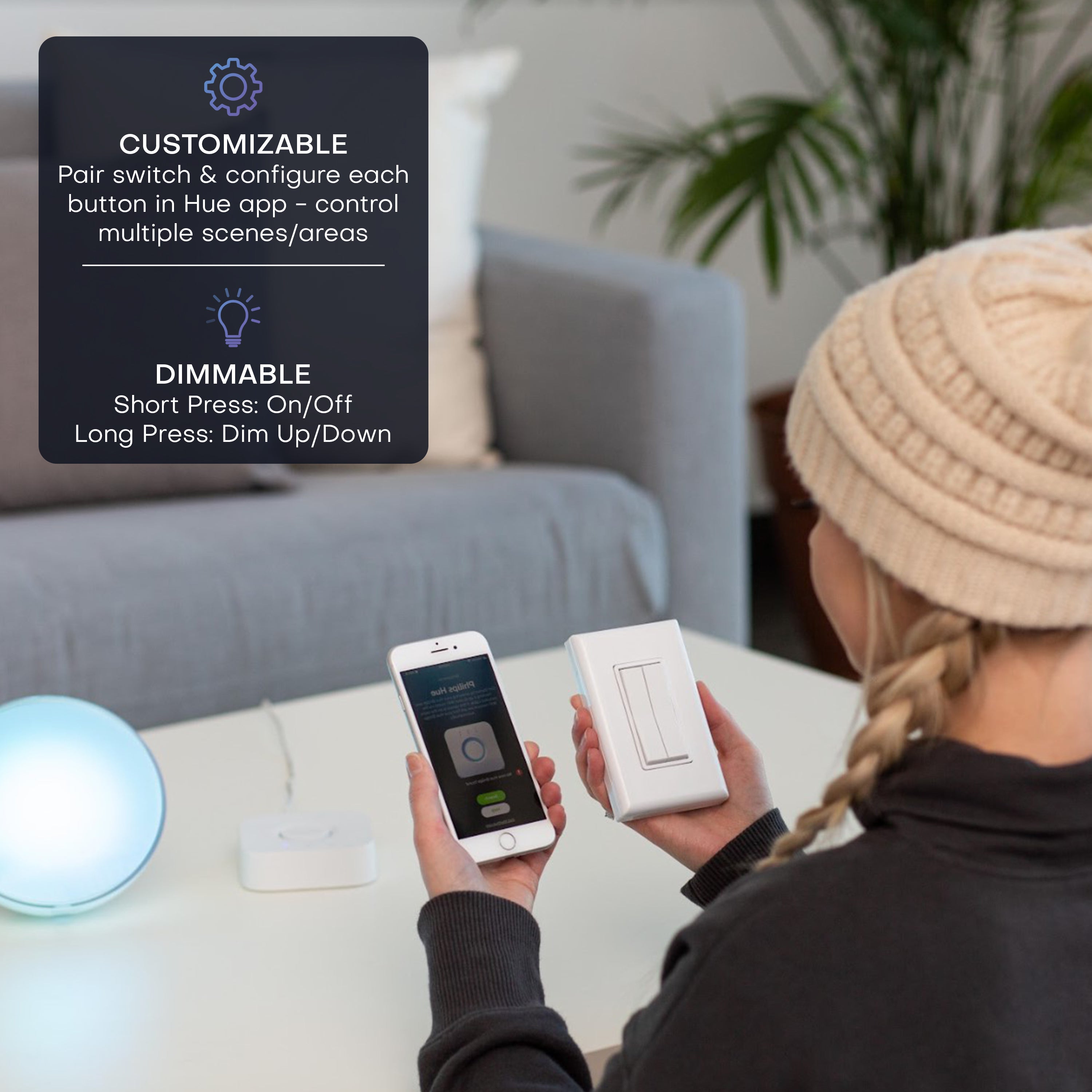
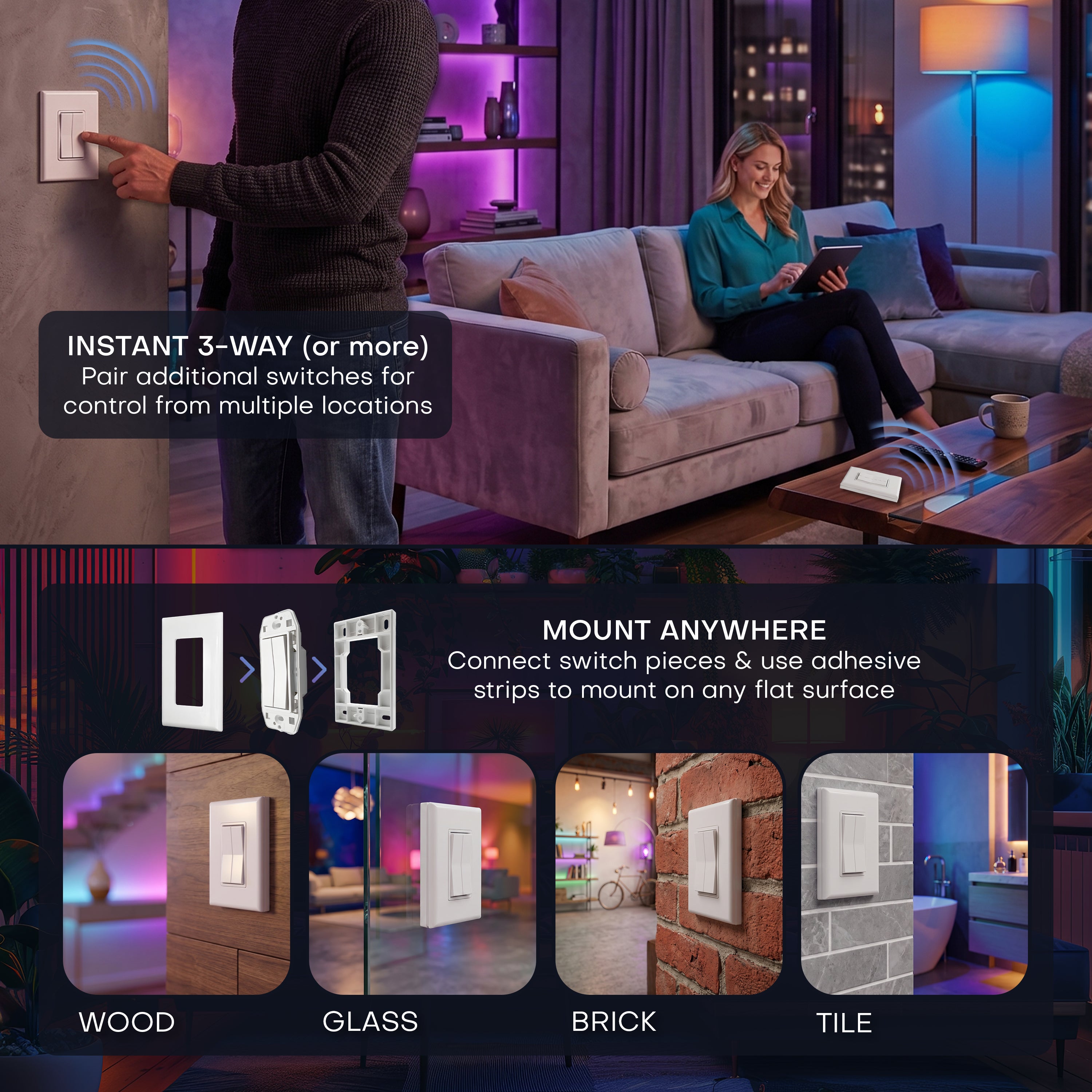
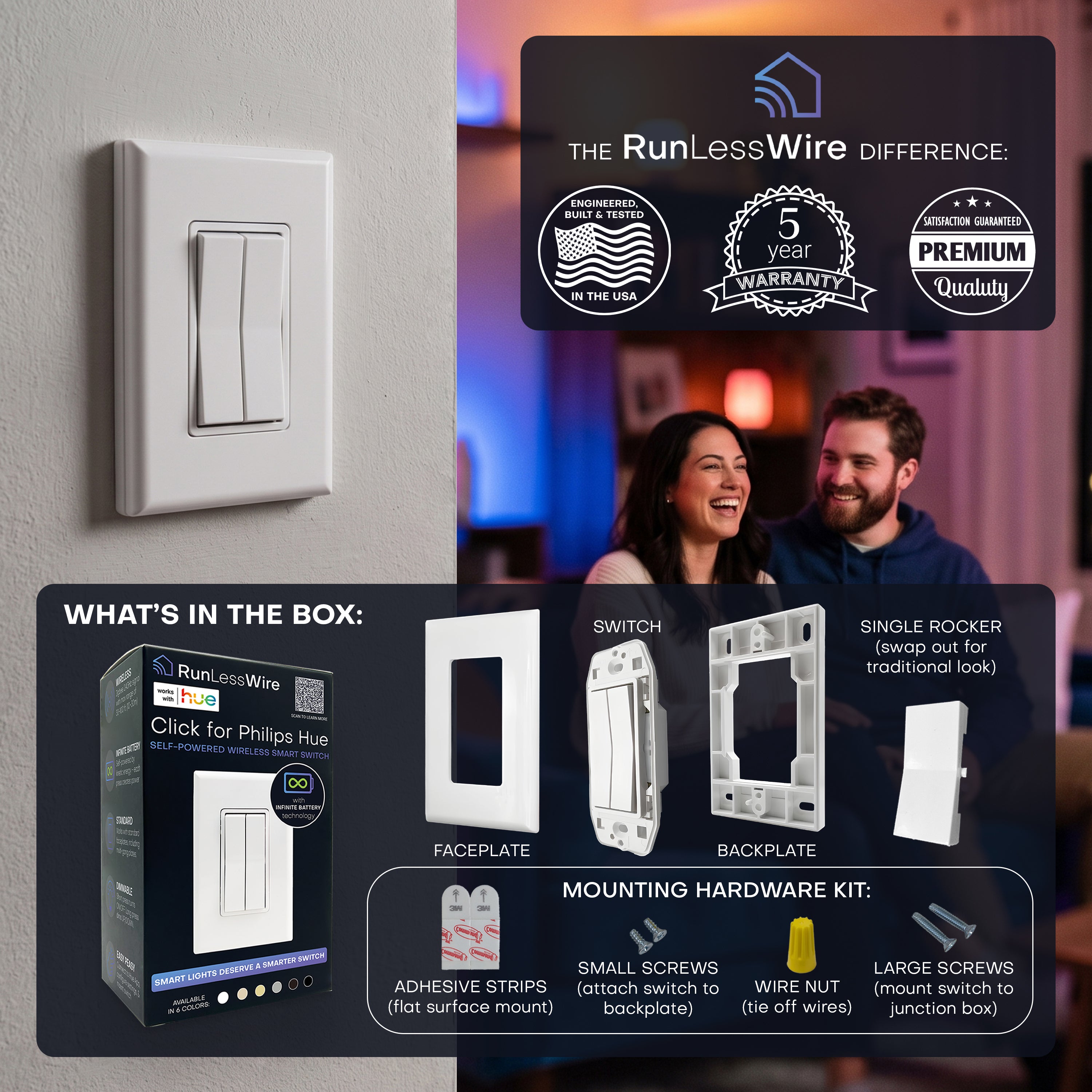
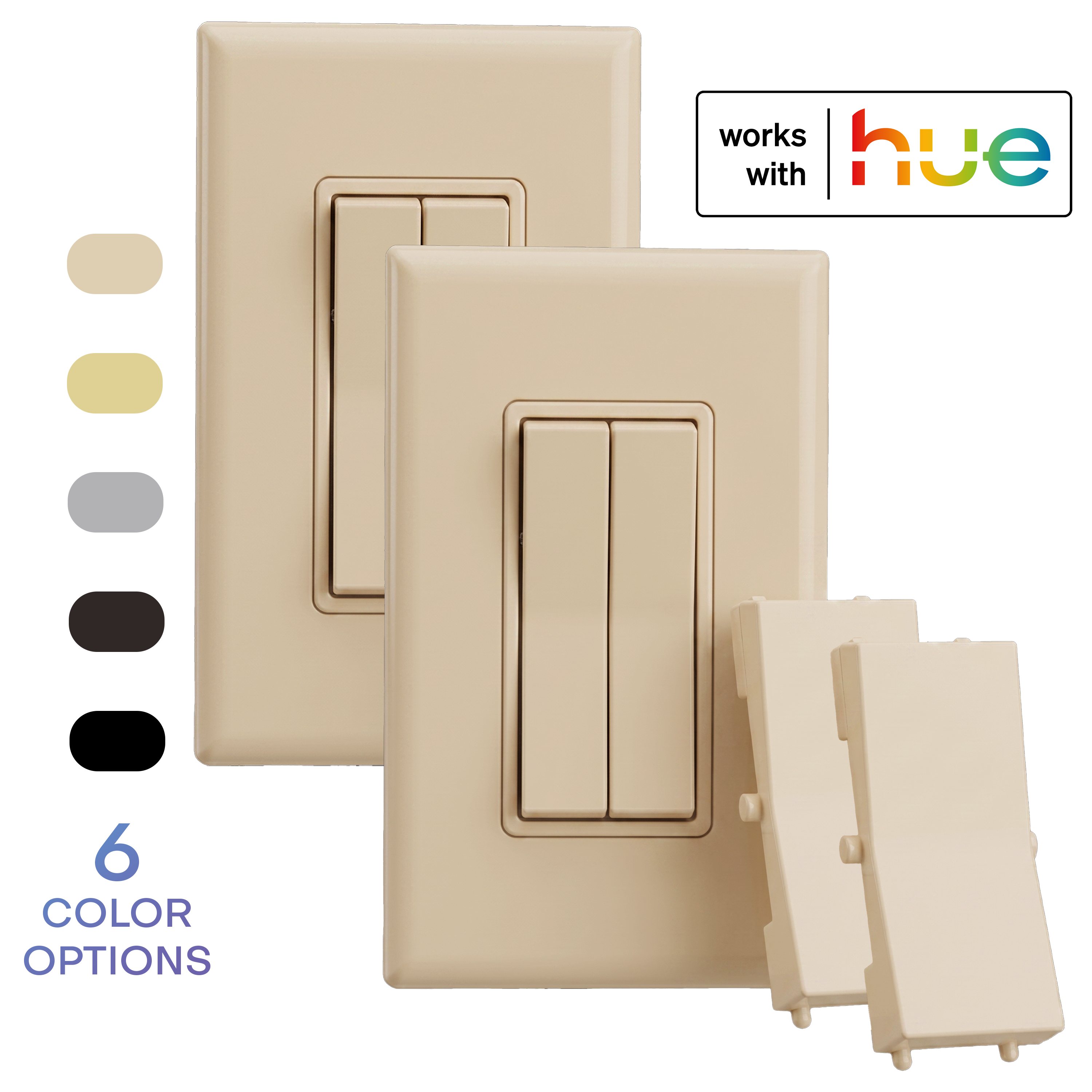
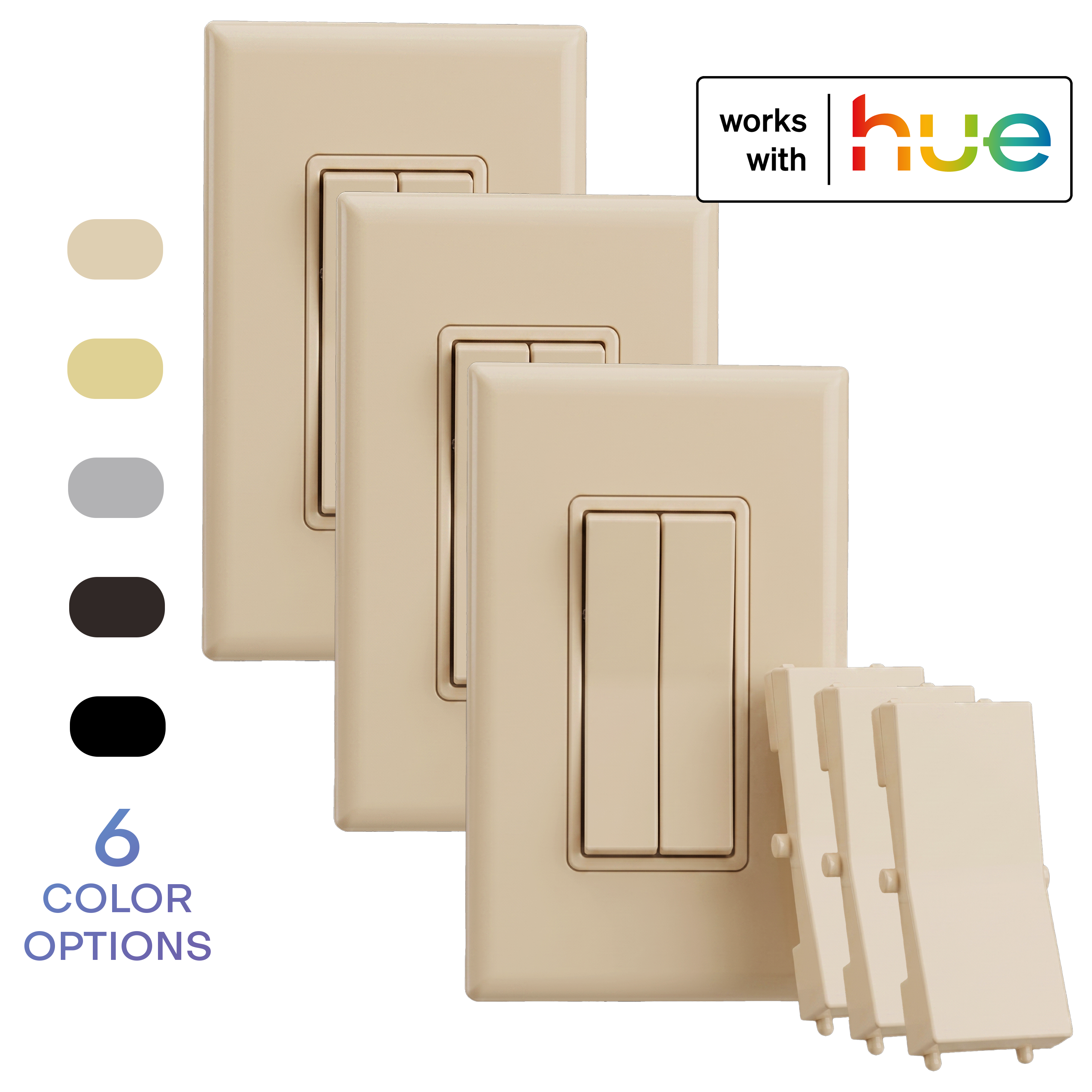
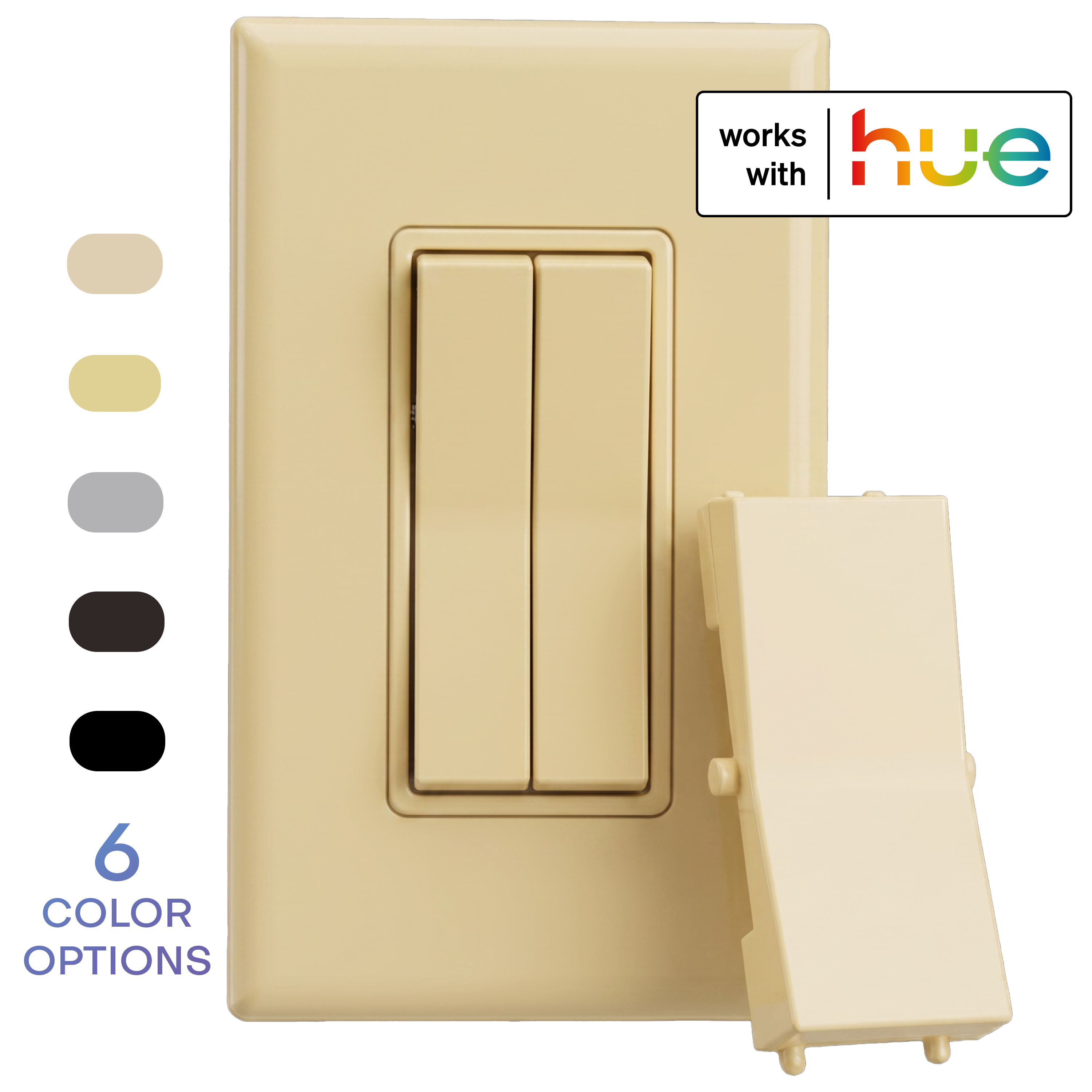
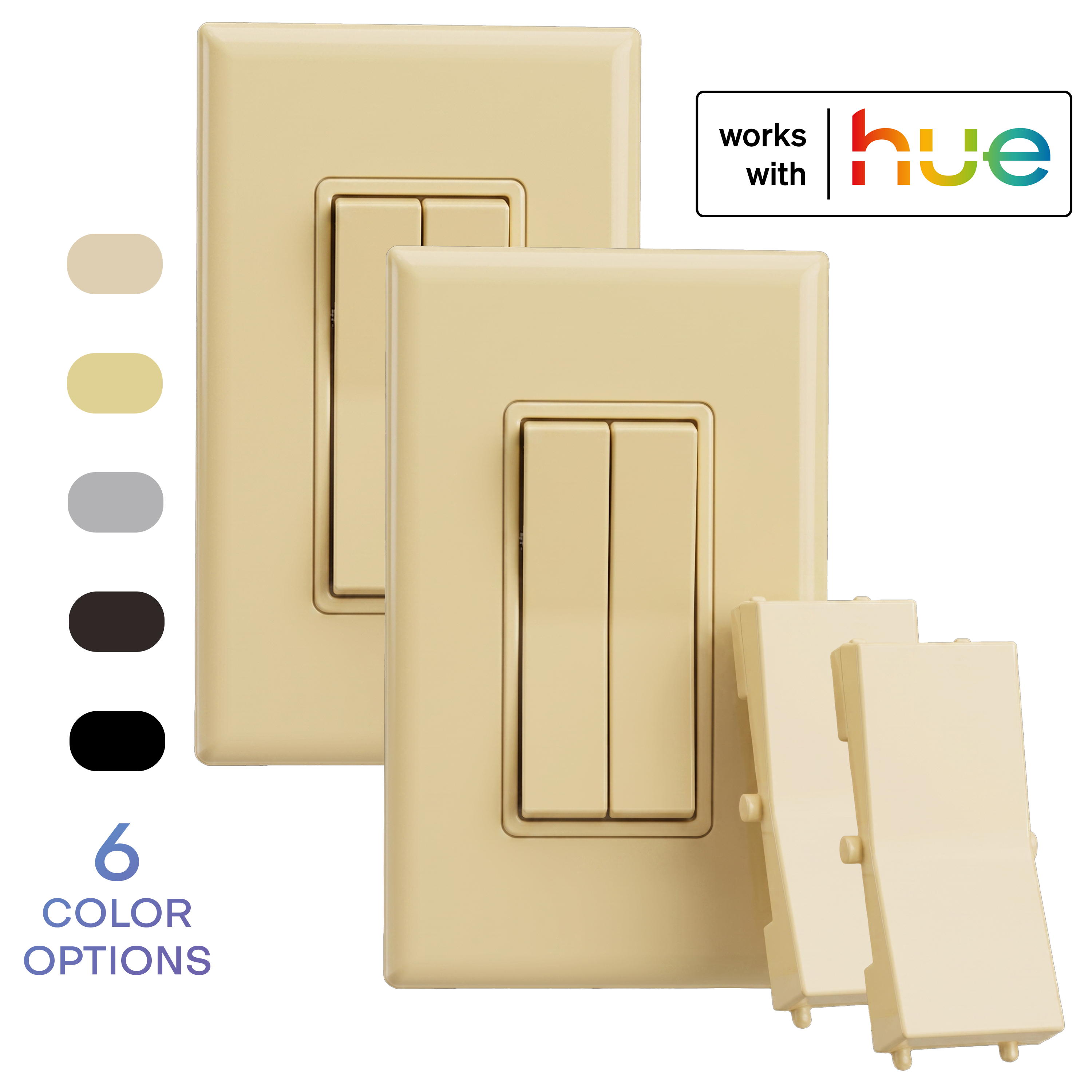
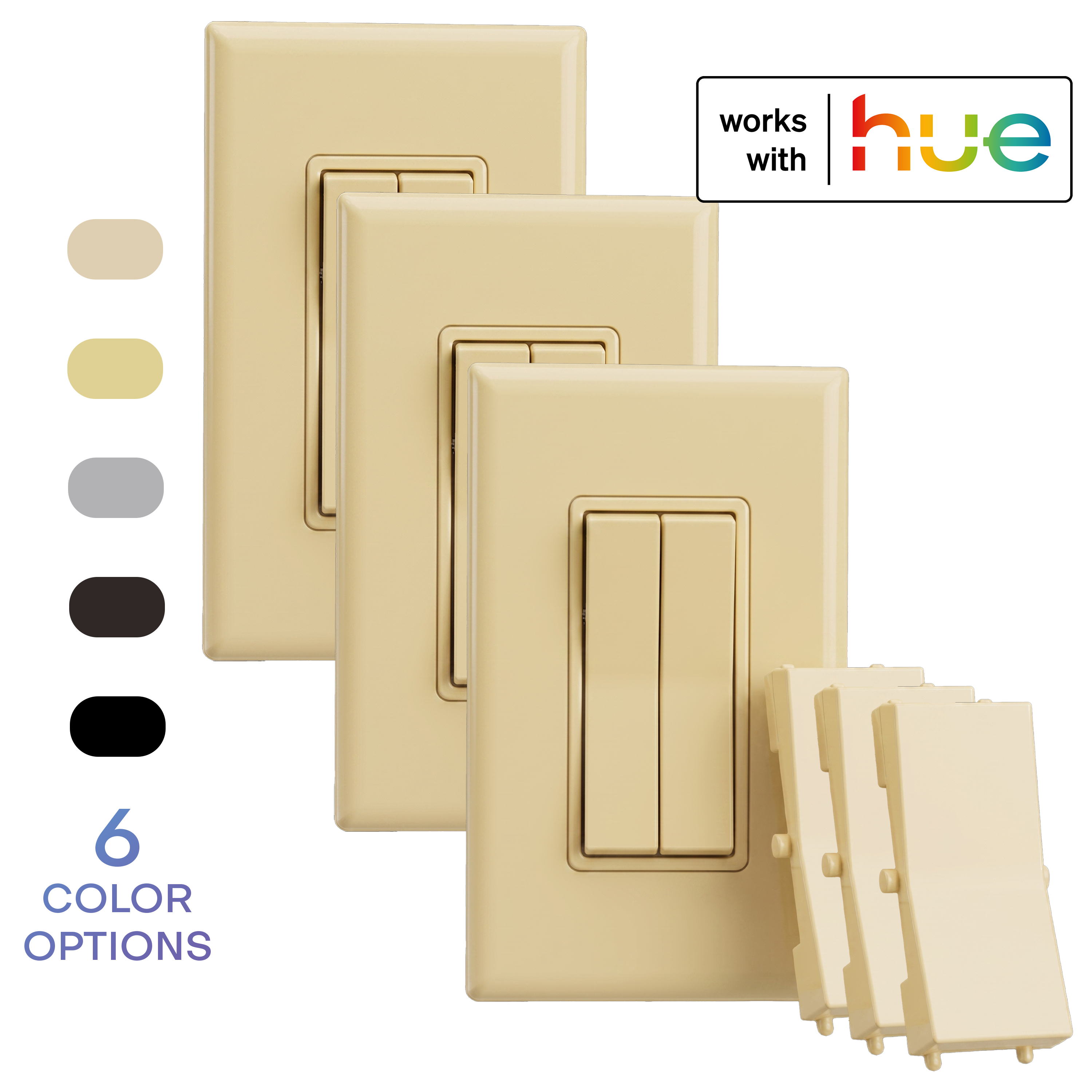
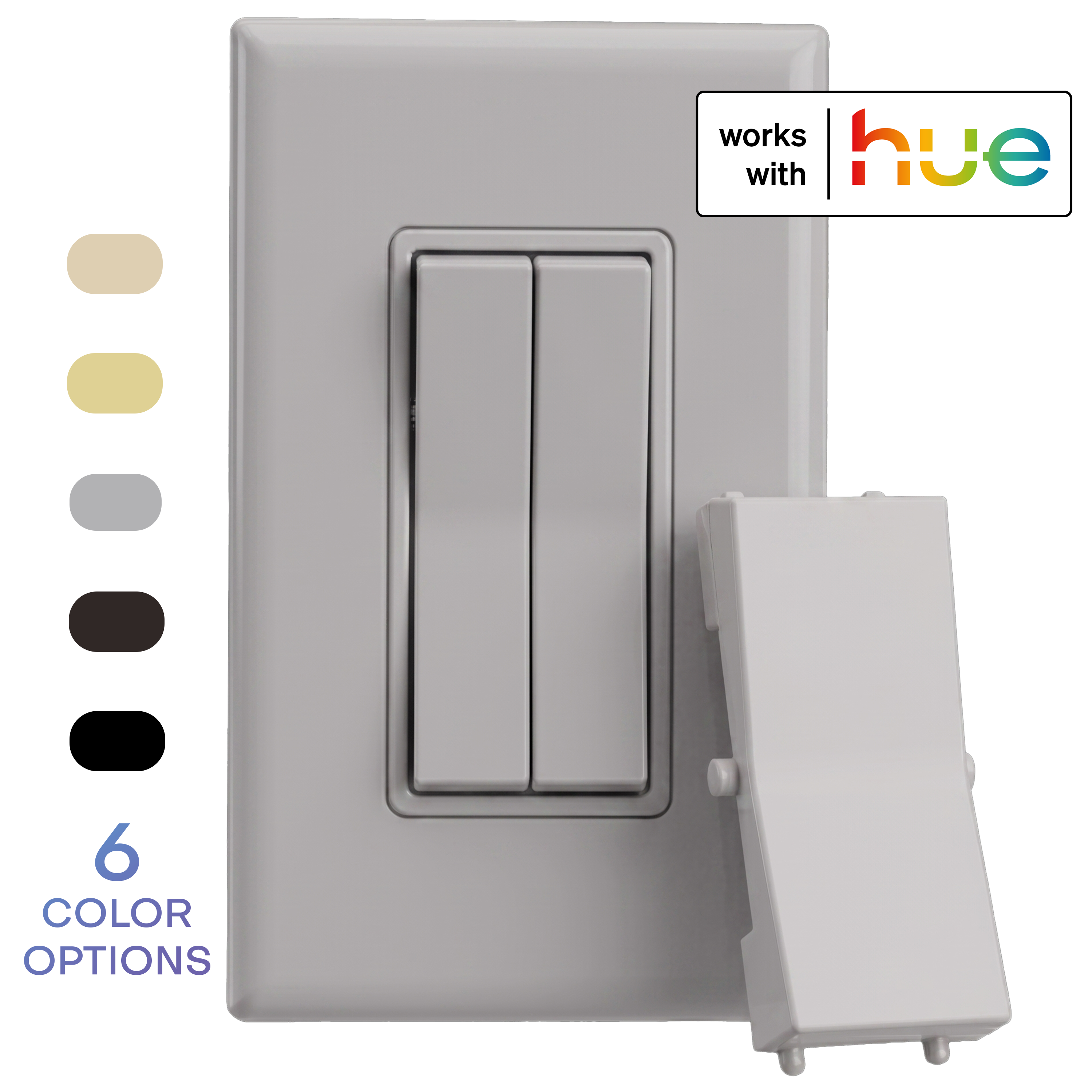
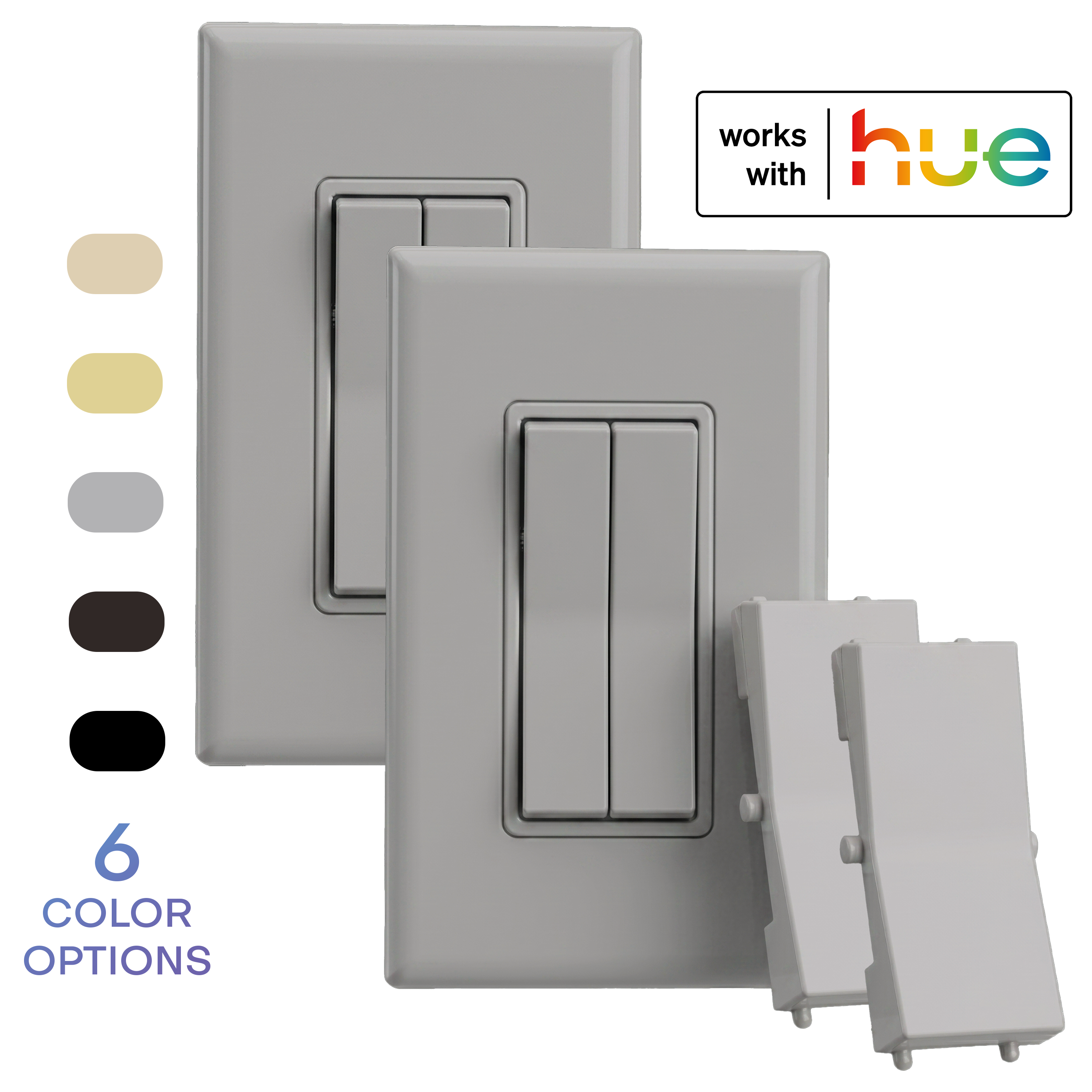
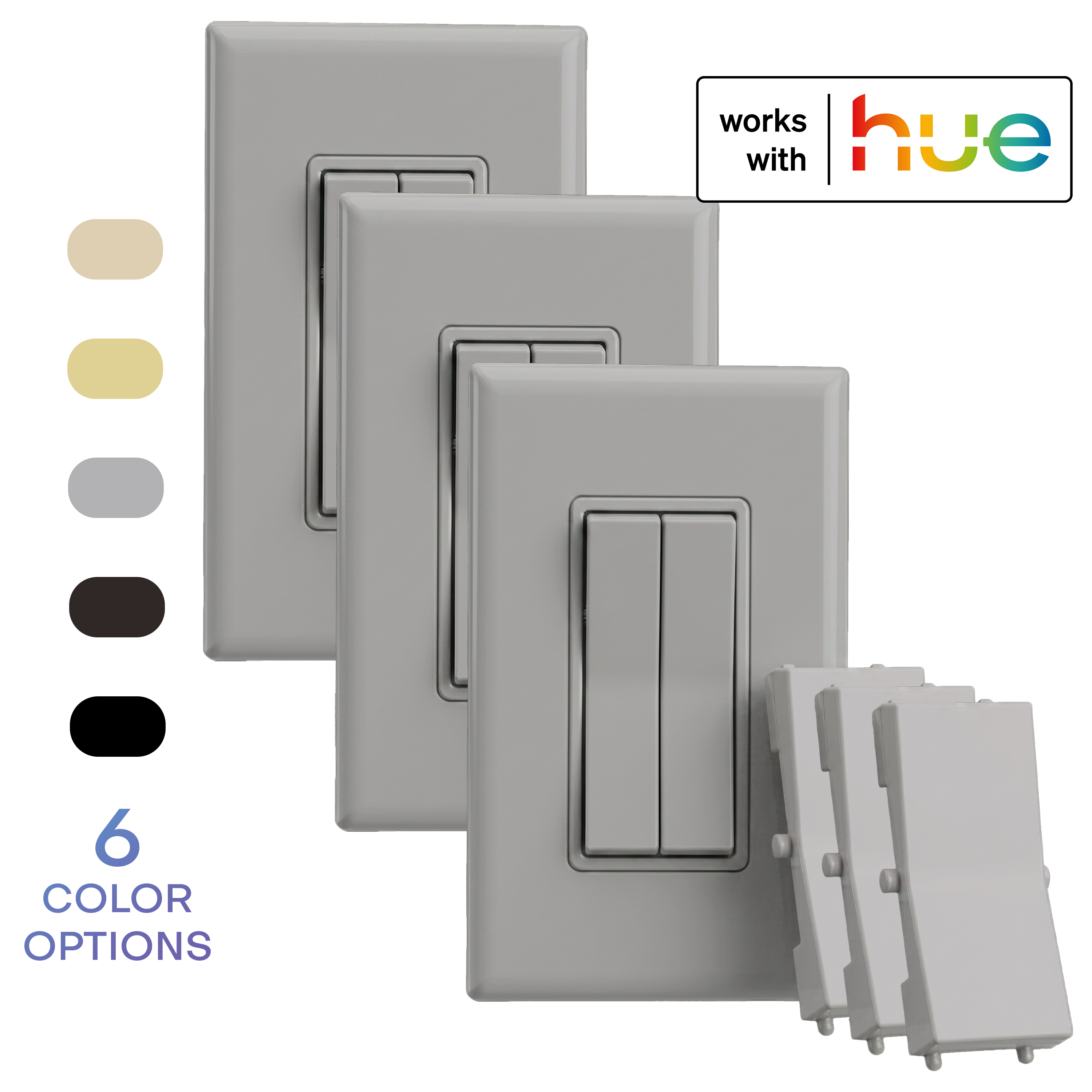
Every press generates its own power through kinetic energy harvesting. There is no wiring, no batteries, and nothing to charge. Replace your original wall switch, or mount the Click on drywall, tile, glass, or furniture with the included adhesive or screws. The dual rocker design gives you four programmable buttons: assign on and off, press-and-hold dimming, favorite scenes, or even different rooms to each button in the Hue app.
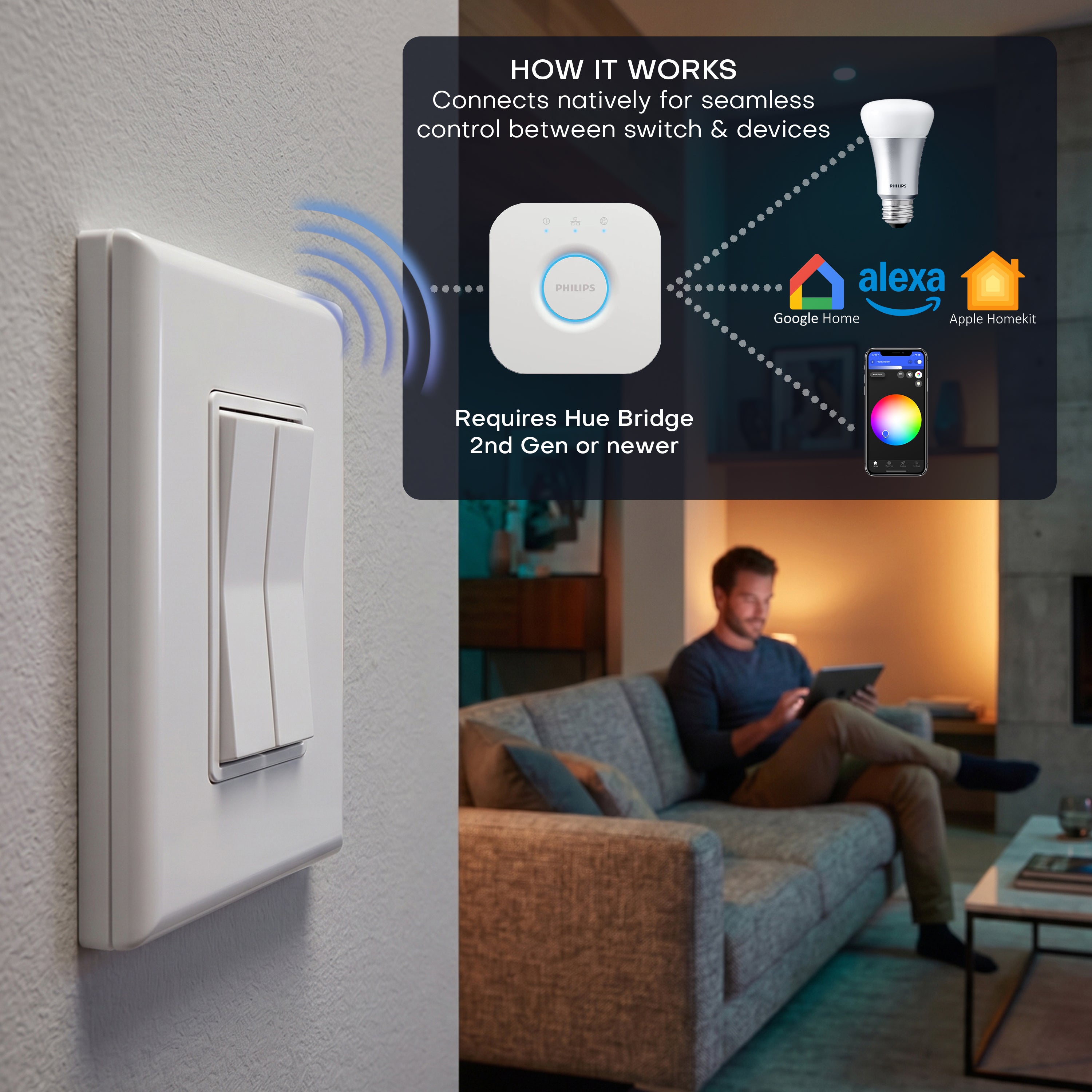
Because the Click communicates through the Hue Bridge over Zigbee, it works with Amazon Alexa, Google Assistant, and Apple HomeKit routines you have already set up, and it keeps working even when the internet goes down. Typical range is about 30 feet from your lights.
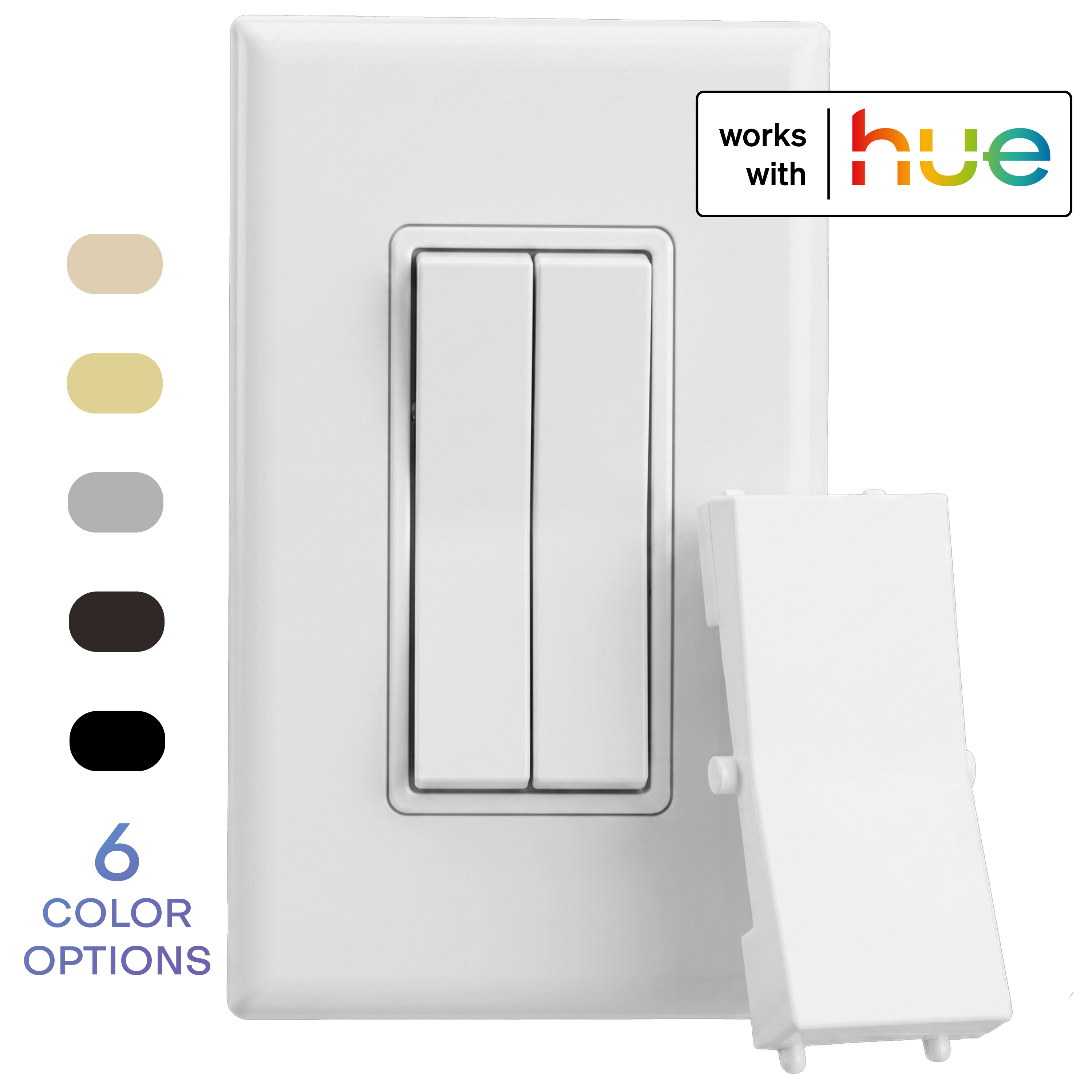
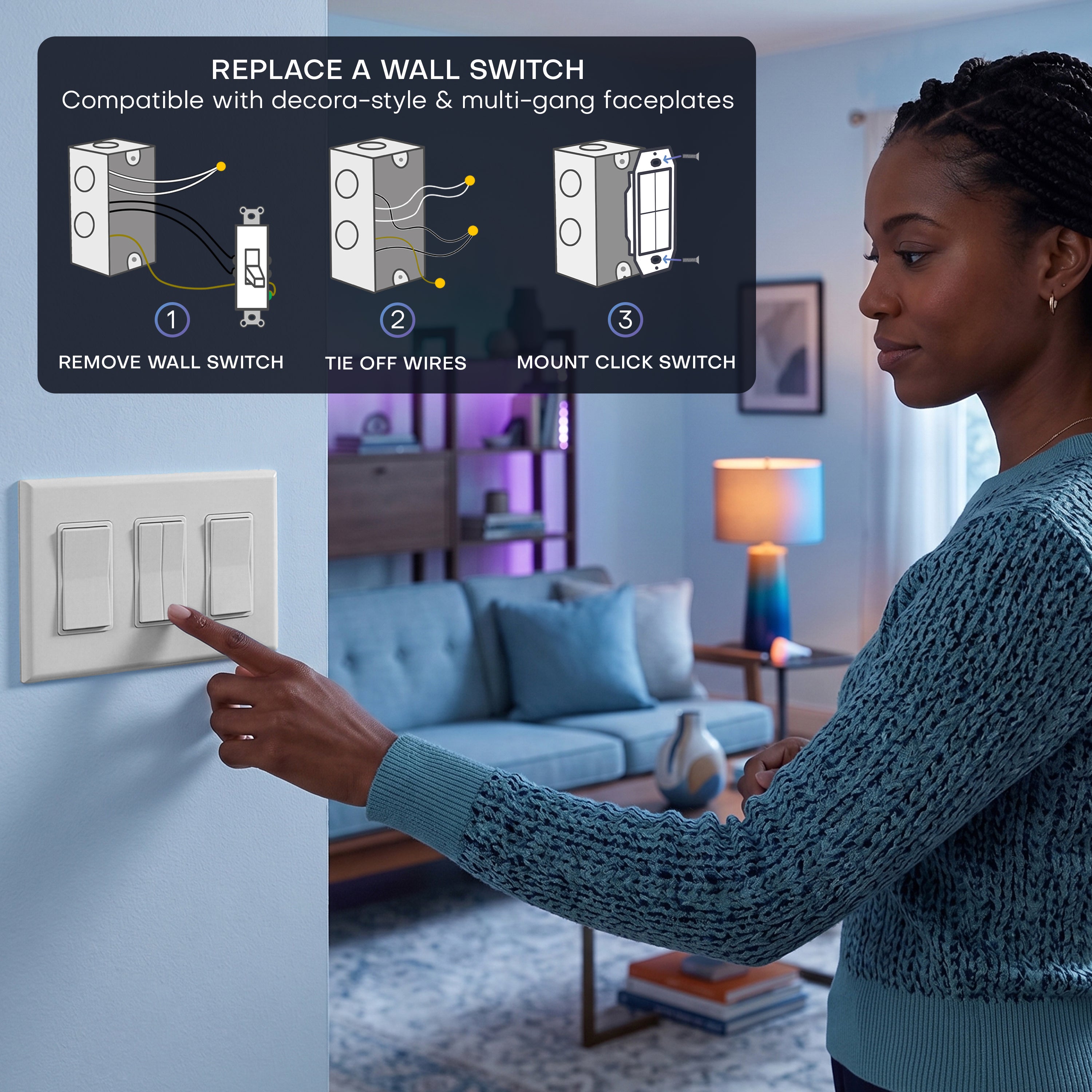
The slim decorator-style design fits standard faceplates, including multi-gang plates, for a clean built-in look. Engineered, assembled, and tested in the USA.
🔧 Key Features
- Real Wall Switch for Your Hue Lights: Control Philips Hue smart bulbs with a physical switch that connects natively to the Hue Bridge as a Friends of Hue accessory. No wiring, no batteries, no extra hub.
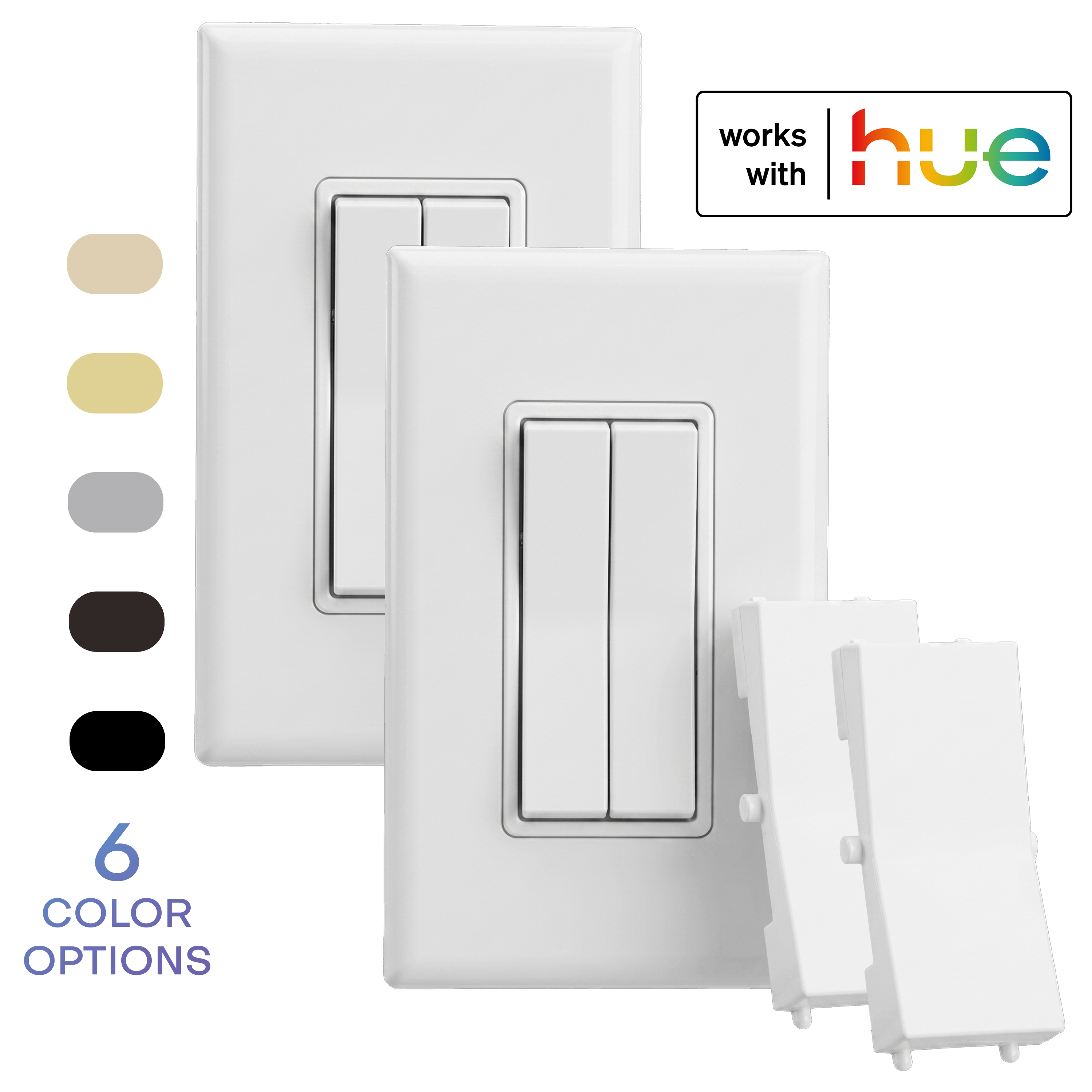
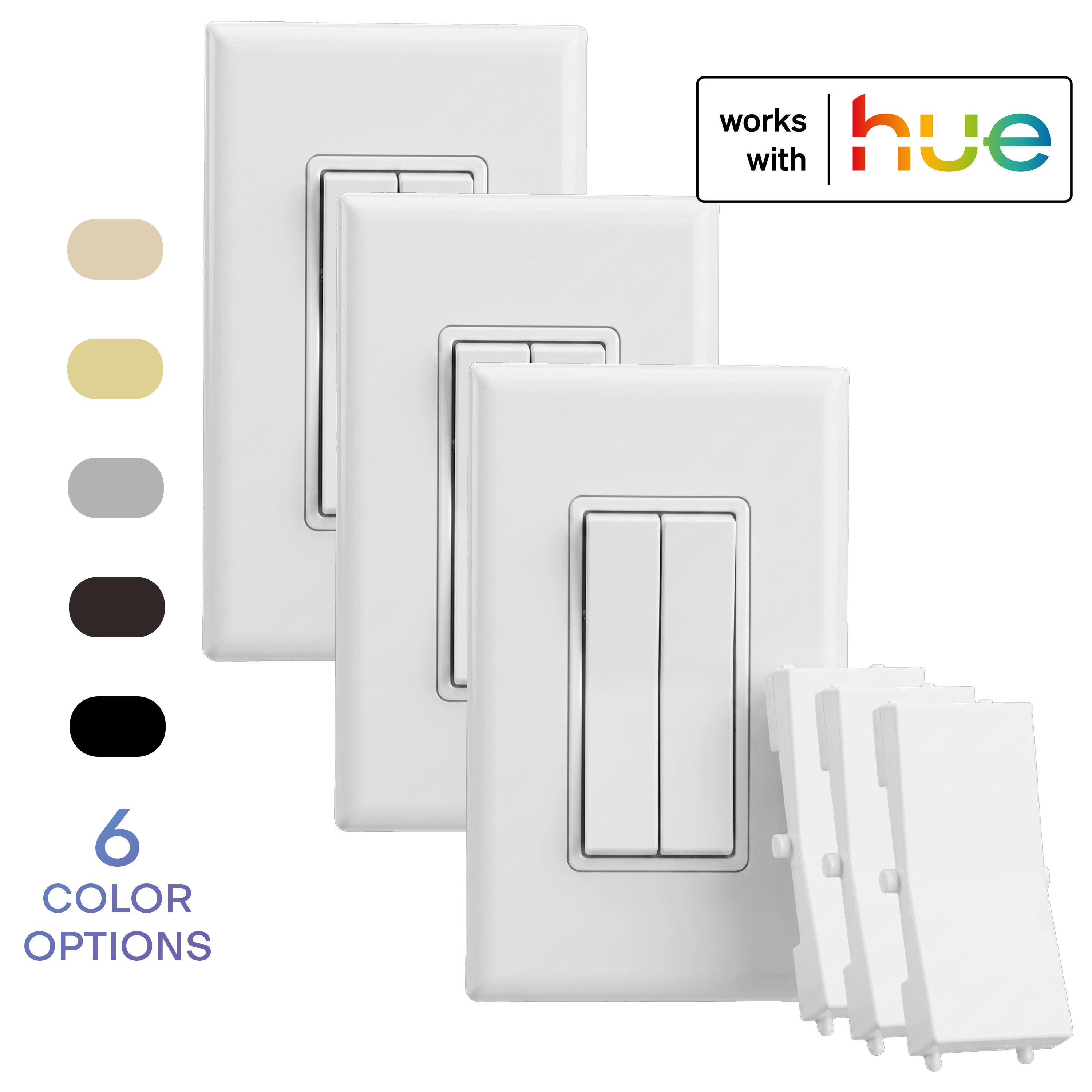
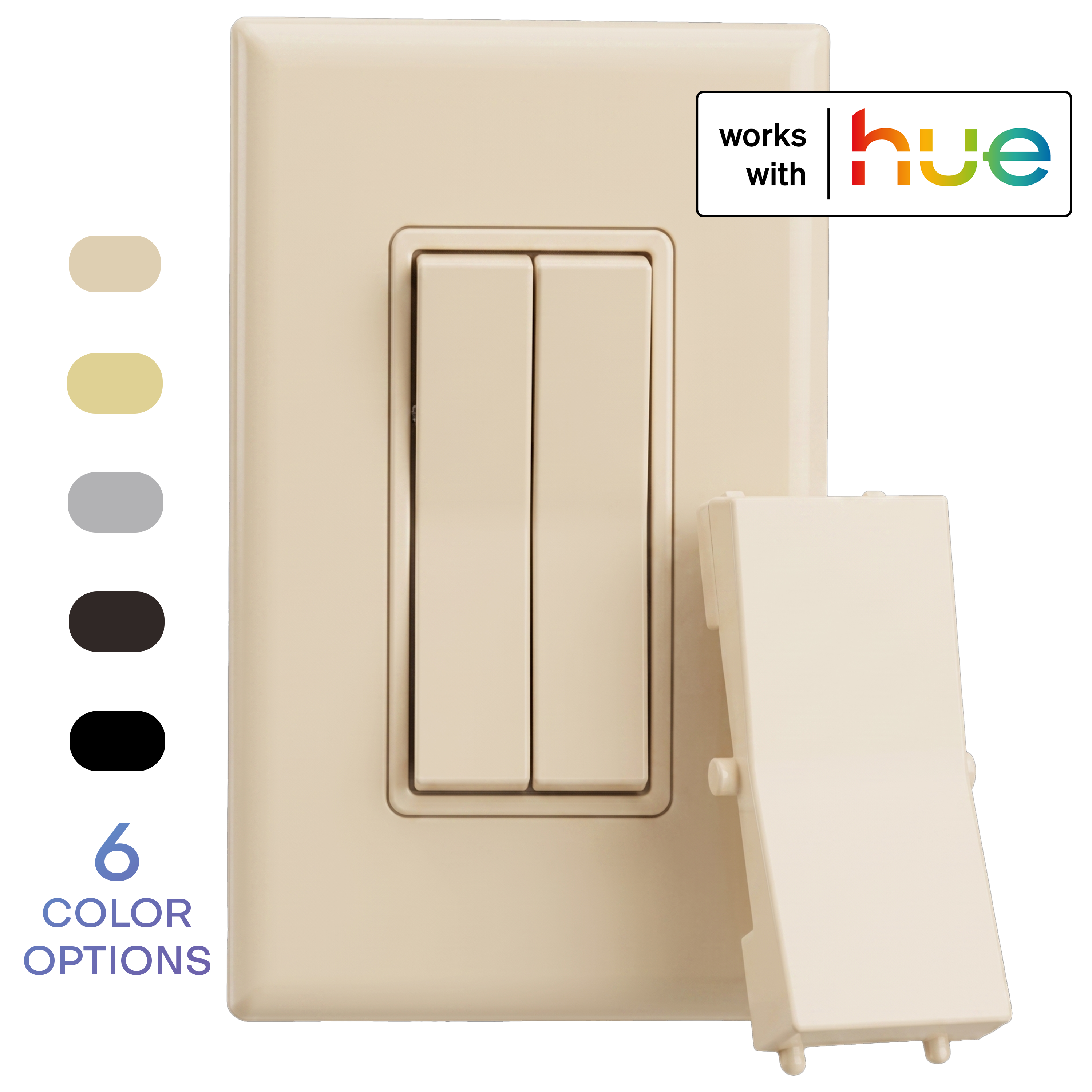
- Double or Single Rocker Design: Comes with both options. Replace the dual rockers with the single rocker plastic for a more traditional look.
- Never Lose Control Again: Replace or cover the original wall switch so nobody can flip your smart bulbs off at the wall. Your app, voice assistants, and this switch all stay in sync.
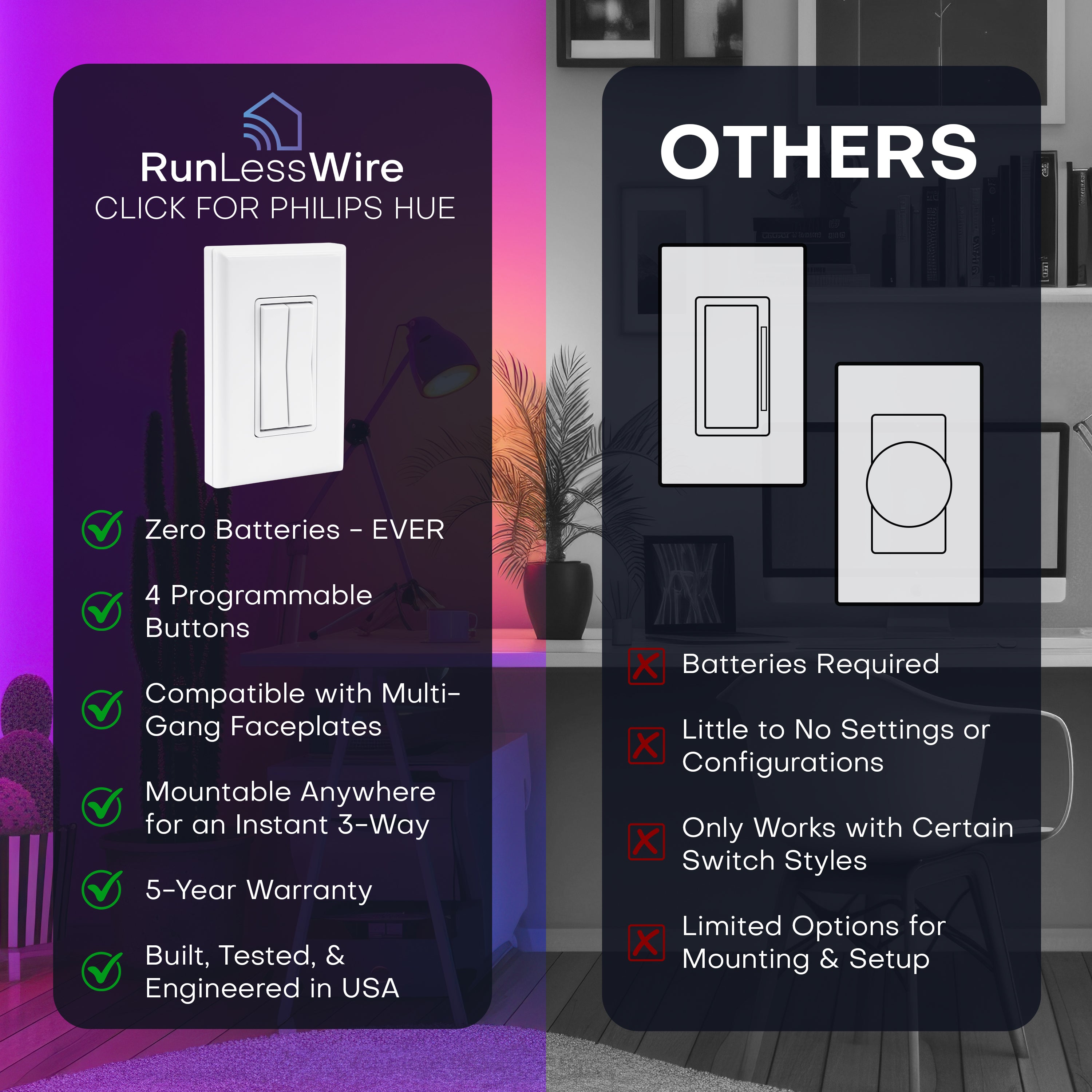
- Battery-Free Kinetic Power: Each press generates its own electricity through energy harvesting, so there is nothing to charge and no batteries to replace, ever.
- 4 Programmable Buttons: Use the Hue app to assign on and off, press-and-hold dimming, scenes, or multi-room control to each of the four buttons on the dual rocker design.
- Mount Anywhere in Minutes: Install on drywall, tile, glass, or furniture with the included adhesive or screws. Fits standard decorator-style faceplates, including multi-gang plates, within about 30 feet of your lights.
🧰 Ideal For
Smart DIYers and electricians adding smart control—without wiring—to:
- Bedrooms near the bed
- Hallways or staircases
- Entryways or garages
- Rental units—no electrician needed
- Keep smart bulbs always powered and connected while retaining scene automation.
🔌 Installation Summary
- Pair via Hue App under Settings → Devices → (+) → (choose where) → No QR Code → Next → Works with Hue Switch → RunLessWire Click. Follow prompts to connect and configure settings. Watch Video
- Mount the switch using adhesive strips, or screws to swap into a standard switch junction box.
- Optional bypass wire nut enables full-time power to smart bulbs if replacing an existing switch.
- Assign functions: automatically set to turn on/off with a single-click, and dim up/down with a press-and-hold through the Hue app. Multiple clicks on same button will cycle through scenes.
Click for Hue Advantages





Additional Information
EVERYTHING IS INCLUDED
To add a traditional light switch to your Hue system, reach for Click.
The Click for Philips Hue Wireless Smart Switch includes a self-powered, battery-free wireless light switch, both a single and double-rocker inserts, and a wire nut in case you wish to bypass an existing switch.
Just connect and configure settings in the Philips Hue App then place the switch anywhere you’d like!
INSTALL & TROUBLESHOOTINGIf you are not 100% satisfied with your purchase, you can return the product and get a full refund or exchange the product for another one, be it similar or not. You can return a product for up to 30 days from the date you purchased it. Any product you return must be in the same condition you received it and in the original packaging.
This product is warranted against defects in materials and manufacturing under normal use in accordance with instructions and specifications published by RunLessWire, for a period of five (5) years from the date of purchase by the End User. In the event of a product failure due to materials or workmanship, RunLessWire will repair or replace the defective product. For warranty service, contact RunLessWire for a Return Authorization and return the defective product, shipping prepaid, for prompt repair or replacement.
RunLessWire ships Monday through Friday excluding holidays. The shipping cut-off time is 2pm MST. Orders placed after 2pm MST will be processed the next business day. Shipping is via USPS First class or Priority mail depending on the quantity. Typical delivery times are 3-5 business days from date of order. Shipping price and delivery time will vary on international orders.
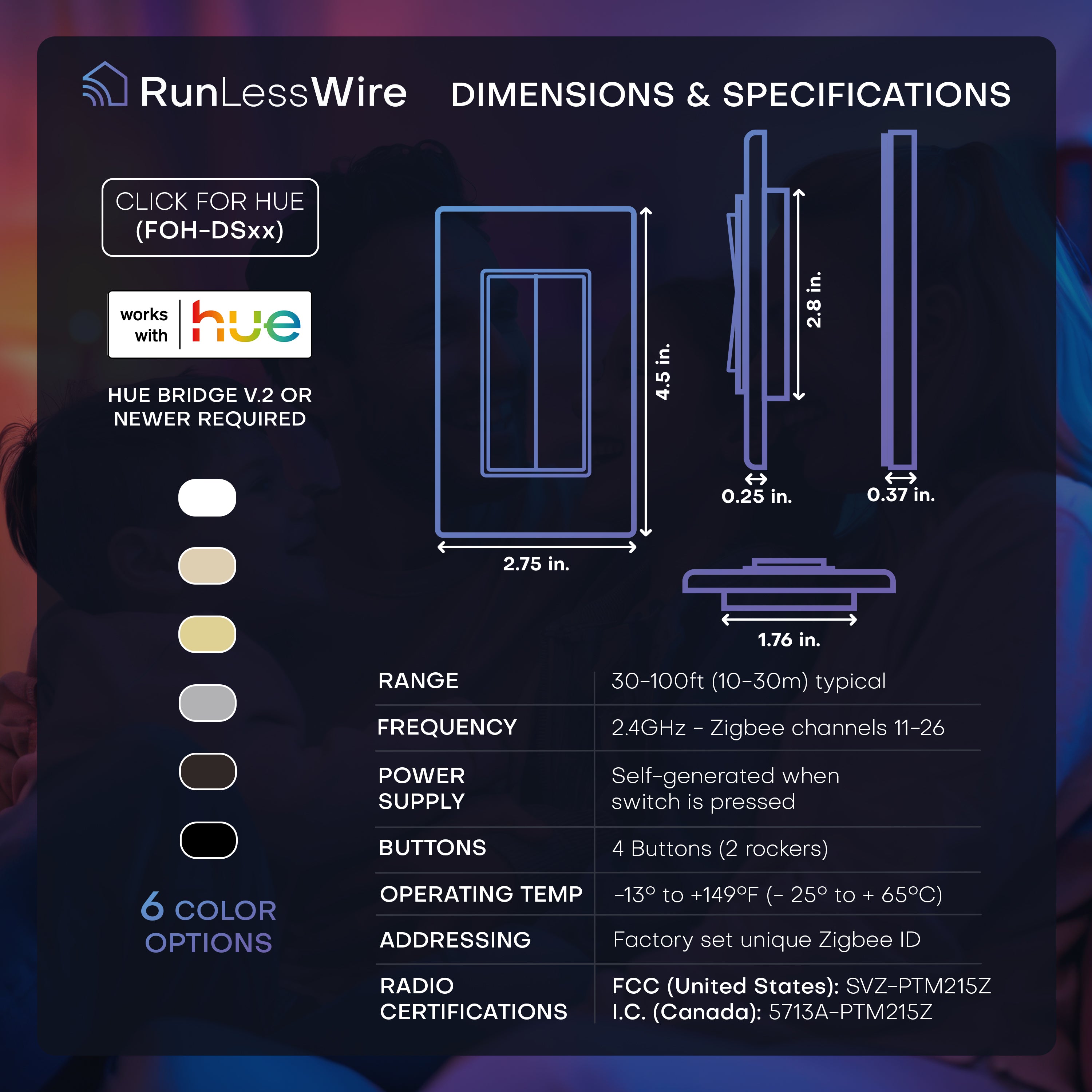
Range — 30-100 ft or 10-30 m (typical)
Frequency — 2.4 GHz (ZigBee channels 11-26)
Power Supply — Self-generated when switch is pressed
Buttons — 4 Buttons (2 rockers)
Dimensions — 2.75(W) x 4.5(H) x 0.62(D) inches
Operating Temperature — -13° to +149°F (- 25° to + 65°C)
Radio Certifications — Certified according to FCC and IC and CE regulations
Addressing — Factory set unique ID
Custom Options Using Apple’s HomeKit
Using the Philips Hue Bridge, the Click for Hue can be used with any HomeKit compatible scene or device, including speakers like Sonos or HomePod, outdoor plugs or sprinklers. Activate your favorite scene at the simple push of a button.
Click for Philips Hue Wireless Smart Switch

Frequently Asked Questions
Questions & Answers
Can I dim my Philips Hue bulbs with Click?
Yes. To dim your lights with Click, press and hold the rocker after configuring the “hold” option in the Philips Hue App.
Can I manage multiple Philips Hue scenes with a single switch?
Yes. The default dual-rocker configuration offers four buttons for accessing your four favorite scenes.
Can I use the Click switch outside?
Yes. Click for Philips Hue switches can be installed in any dry location, inside or outside.
Will my Click switch stop working if my internet connection goes down?
No. Click for Philips Hue communicates with bulbs using only the Bridge. No internet connection required.
Can I cycle through scenes or access more advanced configuration options?
Yes. The third party app HueDynamics supports the Click for Hue and offers advanced configuration options. Check it out!
Can I control multiple bulbs with one switch?
Yes. Click switches control all bulbs in a single room as configured with the Hue App.
Can I control lights in multiple rooms with one Click switch?
Yes. Each button on the Click for Philips Hue switches can be configured to control a different room with the Hue App.
How do I configure my Click switch in the Hue App?
Navigate to: Settings → Devices → (+) → (choose where) → No QR Code → Next → Works with Hue Switch → RunLessWire Click. Follow prompts to connect and configure settings. Watch Video
Is the Click for Hue compatible with standard decor style faceplates? Can it be installed next to other switches in multigang configurations?
Yes and Yes.
Does the Click for Hue work with 3-way or 4-way switches?
Yes. Use multiple Click for Hue switches to control Hue lights from multiple locations.
Who do I contact for customer support?
Email us at support@RunLessWire.com or message us through our Contact Page.
NEED HELP WITH YOUR CLICK FOR PHILIPS HUE?
If you are running into issues installing a wireless light switch, please send us a message or call our support line:
(866) 600-2111
DON'T HAVE PHILIPS HUE BULBS OR BRIDGE?